Step 1: Request Access
To request access to software downloads, email support@sierrabio.com and include:
-
Your full name
-
Company name
-
Reason for access (current customer, evaluating a system, or participating in a demo)
Software download access is available to:
-
Current Sierra Biosystems customers
-
Prospective customers actively evaluating a system
-
Users participating in an active demo
Step 2: Access Review and Approval
Once your request is reviewed and approved, your account will be enabled for software downloads.Note: Access is not immediate. You will not see the Downloads section until approval is complete.
Step 3: Create Your Login
After approval, you will receive an email invitation to create a login and set your password.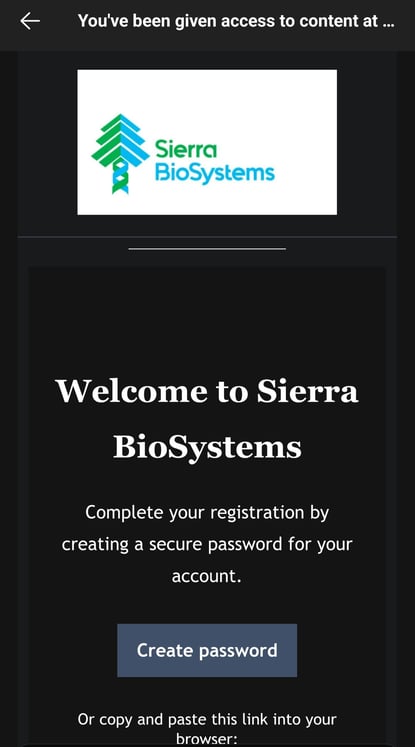
Follow the instructions in that email to activate your account.
Step 4: View and Download Software
After logging in successfully:
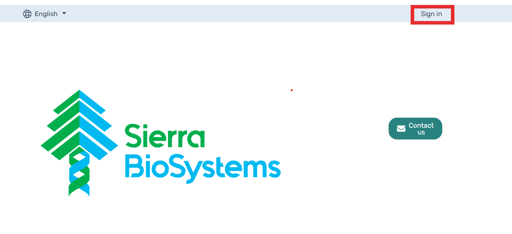
- Sign in, if not done automatically
-
Return to the Support Center->Software Updates & Release Notes
-
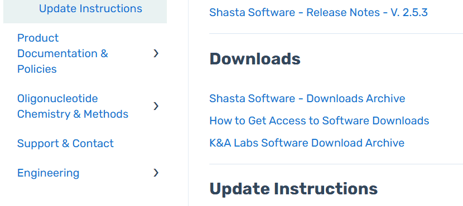
The Downloads section will automatically appear in the navigation
-
You can now view additional all software available to your account
-
If you do not see any additional items in the Downloads section, your access has not yet been enabled.
Common Questions
I created a login but don’t see the Downloads section
This means your account has not been approved for download access yet. Please contact support@sierrabio.com and our team will verify your access.I didn’t receive the login email
Check your spam or junk folder first. If you still don’t see it, email support@sierrabio.com and we’ll resend the invitation.Can anyone create an account and download software?
No. Only approved users will see and be able to access software downloads.
What Happens If I forget my password?
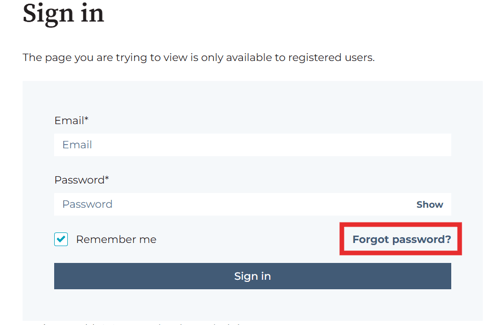
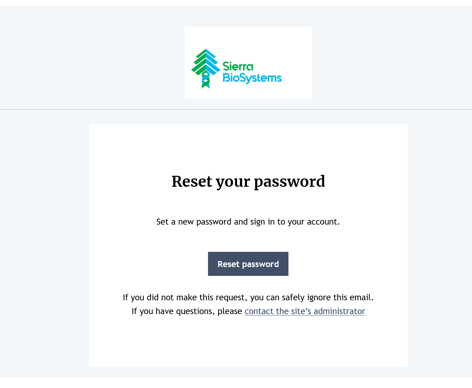
At the Sign in Screen you will see a Forgot Password link. Fill in the necessary information and you will receive an email to reset your password. Email Support@Sierrabio.com if you are still having issues.
.